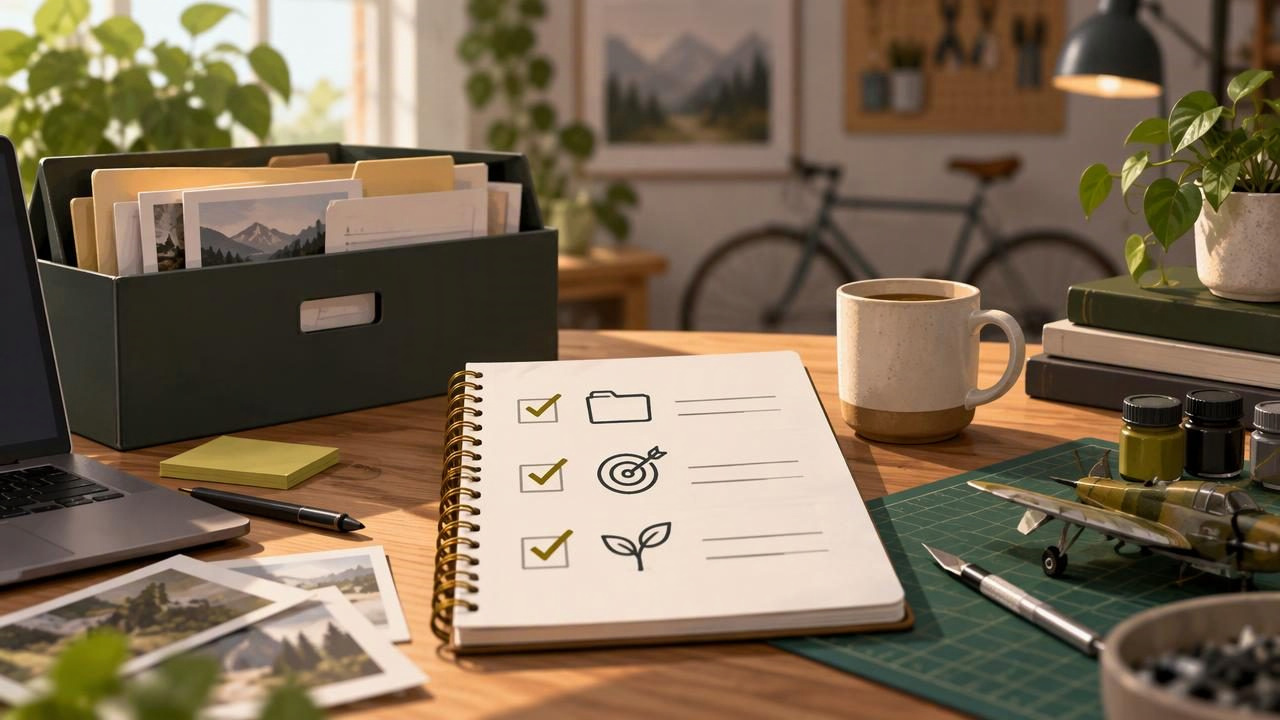
Returning to a hobby project after months away can feel harder than starting one from scratch. You may remember the idea but not which file is current, what you were trying to solve, or why you put it down. The goal of a restart is not to recover every detail in one sitting. It is to rebuild enough context to choose a safe, satisfying next step.
Use this checklist for a novel, model, garden plan, game prototype, craft project, personal website, or any other interest you paused. Set aside a short review session before you buy supplies, rewrite the whole plan, or start making changes. By the end, you should know what exists, what still matters, and what you can do next.
Before you begin: make a restart note
Open a blank note or document and record the date you are returning. Keep this note separate from the project’s original plan: it is a snapshot of what you find now, not a promise to finish everything. If your memory is fuzzy, write down questions instead of guessing.
A useful restart note has five headings: goal, current state, useful materials, open questions, and next action. You can fill them in as you work through the checklist. This gives you one reliable place to capture discoveries, even if project information is scattered across folders, notebooks, or boxes.
The hobby-project restart checklist
- Find the project’s actual home. Gather the files, physical materials, notes, photographs, saved links, and tools that appear to belong to the project. Check likely locations such as your desktop, cloud folders, sketchbooks, email to yourself, storage boxes, or a workbench. Do not reorganize everything yet. First, identify what you have and where it is. If you find several versions, label them as possible versions rather than choosing a winner based on the filename alone.
- Record the last known state. Look for the most recent dated note, draft, photo, saved version, or finished component. Write down what was complete at that point and what was still in progress. Separate direct evidence from recollection: “The blue panels are painted” is an observation; “I think I planned to add a varnish” may be a memory to verify. This distinction helps prevent accidental rework.
- Recover the original reason for starting. Find the first sketch, project description, inspiration image, or note about what you hoped to make. Summarize the purpose in one or two sentences. Then ask whether that purpose still appeals to you. A hobby project is allowed to change. Maybe a complicated tabletop terrain build can become a small display piece, or a long story can become a short scene. Keep the part that still feels rewarding and consciously revise the rest.
- Check condition, compatibility, and dependencies. For physical projects, inspect supplies for damage, drying, corrosion, missing parts, or storage problems before using them. For digital projects, check whether you can open the files and whether relevant software, plugins, fonts, or devices are still available. Make a short list of dependencies to verify. Do not assume that an old instruction, link, or component still works just because it worked when you paused.
- Identify the real blocker. Look for clues in your last notes: a difficult decision, a missing material, a confusing technique, a time-consuming step, or simply a loss of interest. Write the blocker in plain language. Then decide whether it is still a blocker. If the next step depends on research, name one specific question to answer rather than writing “do more research.” If a tool or supply is missing, confirm that it is necessary before ordering a replacement.
- Reduce the scope to a restartable version. List what “finished enough” could mean now. Choose a version that fits your current time, energy, space, and budget. For instance, a hobby game prototype might first need one playable level, not a complete campaign. A garden plan might start with one container, not a full redesign. You can preserve the larger ambition as a future option without making it a requirement for this week.
- Choose one task that fits a single session. Make the first action concrete and small enough to complete in roughly 20 to 60 minutes. “Work on the model” is too broad. “Sort the unpainted pieces into three labeled groups” is actionable. Other useful first tasks include opening the project file and noting any errors, testing one material on a scrap piece, outlining the next scene, or updating a list of missing parts. Leave a brief note about what to do after that task.
A sample restart note
Here is a hypothetical example for someone returning to a small balcony herb garden. The details are deliberately modest: the point is to create a workable starting point, not a perfect plan.
Goal: Grow a few herbs I will actually use while cooking.
Current state: Two empty pots remain; one cracked pot should not be reused. The old planting plan is from last spring.
Useful materials: Hand trowel, one clean pot, plant labels, and a notebook. Check whether the unopened soil bag is still suitable before using it.
Open questions: Which spot gets enough sun now? Which herbs are still useful for my meals?
Next action: Observe the balcony at two different times tomorrow and note where the sun falls.
Notice that the next action is not “buy plants.” The note first addresses uncertainty that could lead to wasted effort. Your own project may have a different order: confirm the file opens, measure the available space, or find out whether a part can be repaired.
Turn the checklist into a practical next-step plan
After reviewing the project, sort your notes into three groups: do now, decide later, and let go. “Do now” should contain only the next few actions, not every task the project might ever need. “Decide later” is for choices that do not block the first session. “Let go” can include an outdated goal, broken material, or an idea that no longer interests you. Letting something go is a project decision, not a failure.
For each near-term task, write a verb and a visible result. “Review files” becomes “Open the latest design file and note whether all linked images appear.” “Prepare materials” becomes “Lay out the three pieces needed for the test fit.” Visible results make it easier to stop at a sensible point and understand what you accomplished.
Also set a boundary for the first session. Decide when you will stop, especially if the project tends to expand into hours of sorting or online research. A short, finished task can restore momentum better than an ambitious plan that leaves you with another pile of unanswered questions.
Dictate the restart note if typing slows you down
If your hands are busy or you think more clearly aloud, voice dictation can help capture observations while you inspect materials or browse project files. Speak in short sections under the five headings, then review the pasted text before treating it as a reliable record. Say punctuation when useful, and spell unfamiliar names or specialized terms carefully. A custom vocabulary feature, where available, can help with recurring project-specific words, but you should still check the result.
With a desktop dictation app such as Dictámelo, the basic workflow is to hold the configured shortcut, speak, and release to transcribe into the active text field. Dictation uses an internet connection and a cloud transcription provider; it is not an offline transcription workflow. Optional AI cleanup may help format rough notes, but review any cleaned-up version against what you actually said. Dictation captures text: it does not inspect your project, choose the next task, or update other tools for you.
For setup instructions, see the Windows voice dictation guide. If you want to try the app, find the available installers on the Dictámelo download page.
Know when to restart, reshape, or archive
After the review, choose one of three honest outcomes. Restart if the goal still interests you and you can identify a manageable first action. Reshape if the original version no longer fits, but a smaller or different version sounds worthwhile. Archive if you do not want to continue now. If you archive it, save a short note describing what exists, what you learned, and what would be needed to resume. Store it somewhere you can find again rather than leaving it as an unexplained folder.
You do not need to prove that the project deserves more time. A useful restart checklist gives you a clearer choice: continue with one small task, change the goal deliberately, or close the loop for now. Once you know which option fits, you can make the next session easier by leaving your tools ready and writing down the next action before you stop.