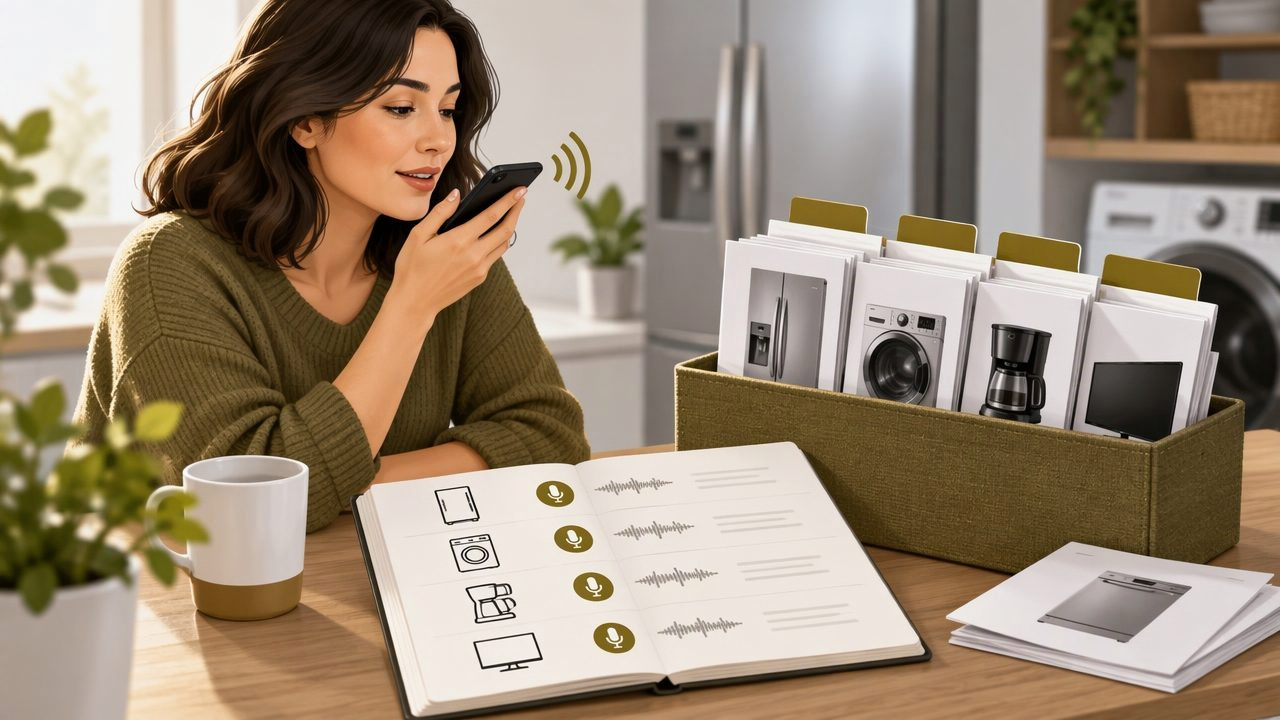
A household manual is useful only if you can find it when something needs attention. The challenge is not always deciding where to keep the booklet; it is remembering which appliance it belongs to, recording the exact model number, and noting where the warranty or digital copy ended up. A short dictated index can solve that retrieval problem without requiring you to scan every page or build a complicated database.
The goal is simple: create one searchable note for each item, with enough identifying information to connect the product to its manual. Voice dictation is particularly useful when you are already walking through a kitchen, utility room, or storage area and can read the label aloud. The result is a practical household reference, not a substitute for the manufacturer’s instructions.
What to record for each household item
Keep the same basic fields for every entry. Consistency makes the index easier to scan and helps prevent a common mix-up: finding a manual for a similar-looking product that has a different model or revision.
- Item: Use a plain description, such as “dishwasher” or “bedroom ceiling fan.”
- Brand and model: Capture the full model number from the rating label when it is available.
- Serial number: Add it only if it is useful for your household records. It is distinct from the model number.
- Document location: Say where the paper booklet or printed receipt is kept.
- Digital location: Record a folder name, filename, or other location you can actually search.
- Extra note: Include a detail that helps distinguish the item, such as its room, color, or installation date.
You do not need to dictate every field every time. If a serial number is hard to reach or not needed, leave it out rather than guessing. Accuracy is more useful than a complete-looking record.
Make a short, repeatable note
A reliable entry puts the identifying details before the storage instructions. That order helps you verify what the note refers to before acting on the location. Try this spoken structure:
“[Room] [item], brand [brand], model [model number]. Paper manual: [location]. Digital manual: [folder or filename]. Distinguishing note: [detail].”
For example, a hypothetical entry might be: “Kitchen dishwasher, brand Northstar, model D W four two zero seven. Paper manual: blue household binder, kitchen section. Digital manual: Appliances folder, file named dishwasher-DW4207. Distinguishing note: stainless front.” The brand and product here are examples only. Replace them with the information on your own appliance label.
This format is intentionally plain. A consistent phrase such as “Paper manual:” is easier to search later than a different description in every note. If your speech recognizer struggles with a long model code, dictate it in smaller groups, then compare the transcript with the label before saving.
Capture the note while you are near the label
- Choose one item. Start with an appliance you expect to look up again, such as a furnace filter system, dishwasher, or cordless vacuum.
- Find the identification label. Check the location indicated by the manufacturer, which may be inside a door, underneath a unit, or on its rear panel. Do not move heavy or built-in equipment unsafely just to reach a label.
- Read the model number slowly. Separate letters and digits into short groups. For instance, say “A B, four two, zero” rather than rushing through a string.
- Dictate the document locations. Name the real binder, drawer, folder, or filename. If you have not yet saved a digital copy, say “digital copy not saved” instead of implying that one exists.
- Review the text against the label. Correct similar-sounding letters, missing digits, and misplaced spaces before using the note as a reference.
This creates a useful moment of verification: the product label and the new entry are available at the same time. It is often easier to catch a transcription error now than months later when you are searching for a replacement part.
Choose a storage system you can maintain
The dictated notes can live in a document, notes app, spreadsheet, or household inventory file. Pick a place you already know how to search. A simple document with one entry per paragraph may be enough for a small home; a spreadsheet can help if you want to filter by room, brand, or document format.
Use predictable headings or tags. For example, begin each entry with the room name, then the item: “Laundry — washer” or “Garage — freezer.” In a spreadsheet, useful columns might be Room, Item, Brand, Model, Paper location, Digital location, and Last checked. Avoid putting so many details into the title that it becomes difficult to scan.
Keep the index separate from the manuals themselves. The index answers, “Which item is this, and where is its document?” The manufacturer’s manual answers questions about installation, operation, maintenance, and safety. If a note summarizes an instruction, verify it in the manual before acting—especially for electrical work, gas appliances, or repairs.
Make model numbers easier to recognize
Model codes can be tricky to dictate because letters and numbers may sound alike. Speech recognition may turn “B” into “D,” omit a repeated digit, or insert punctuation into a code. Treat every model number as a value to verify, not as ordinary prose you can proofread by meaning.
- Say letters individually: “M, N, eight” rather than blending the characters into a word.
- Use short groups with a pause between them if the code is long.
- Spell out a character when it could be ambiguous: “letter O” or “zero.”
- Compare the full transcript character by character with the rating label.
- Do not infer a missing character from a similar product listing or an old receipt.
If the label is faded, partly hidden, or difficult to read, record that uncertainty in the note. For example: “Model begins R T; final digits need checking.” That is safer than turning a guess into a confident but incorrect reference.
Use a quick review checklist
Before you finish an entry, ask five questions:
- Does the note identify one item, not several similar appliances?
- Does the model number match the physical label exactly?
- Is the paper location specific enough for another household member to find?
- Does the digital location point to an existing file or folder?
- Have I marked uncertain details rather than silently guessing?
One practical test is to ask someone else in your household to find a manual using only the note. If they have to ask which cupboard, binder, or folder you meant, make the location more precise. “Office shelf” may be enough in a small home; “office, second shelf, red binder, appliance section” is more helpful when there are several possible places.
Keep the index current without creating a chore
Update an entry when you move a booklet, rename a digital file, replace an appliance, or discover that the model number was transcribed incorrectly. You do not need a scheduled audit unless it suits your household. A brief check during a move, renovation, or appliance replacement is often a natural time to refresh the list.
For a replaced product, do not simply overwrite the old model details if you may need its warranty or service history. Mark the old item as replaced, add the new model as a separate entry, and indicate where any old documents are stored. This small distinction can prevent a search for a current appliance from leading to paperwork for the previous one.
When dictating at a computer, keep the index document or note open in the field where you want the text to appear. Dictation tools generally enter recognized text into the active field; they do not decide where household files belong or verify a model number on your behalf. For a practical walkthrough of voice input on Windows, see the Windows voice dictation guide.
Know what dictation can and cannot do
Dictation can help you turn spoken observations into searchable text, but it does not inspect appliance labels, file manuals, or organize folders automatically. With Dictámelo, for example, you hold the configured shortcut—Alt/Option+Shift+Space by default—speak, and release it to transcribe and paste text into the active field. Optional AI cleanup and custom vocabulary may help with formatting or recurring product terms, but you should still check every model code against its label.
Transcription requires an internet connection and uses a cloud provider; history is stored locally. If an item’s identifying information is sensitive for your situation, consider whether you want to dictate it into a cloud-transcription workflow. Dictation also does not replace the manufacturer’s manual or perform actions in a notes app beyond entering text. You can review available installers at Dictámelo’s download page.
A small index that earns its place
Start with three frequently used items rather than trying to catalogue the entire house in one sitting. For each one, capture the room, product, exact model number, paper location, and digital location, then verify the code before moving on. A concise index built from accurate dictated notes is easier to maintain—and far more useful—than a long list of unverified details.