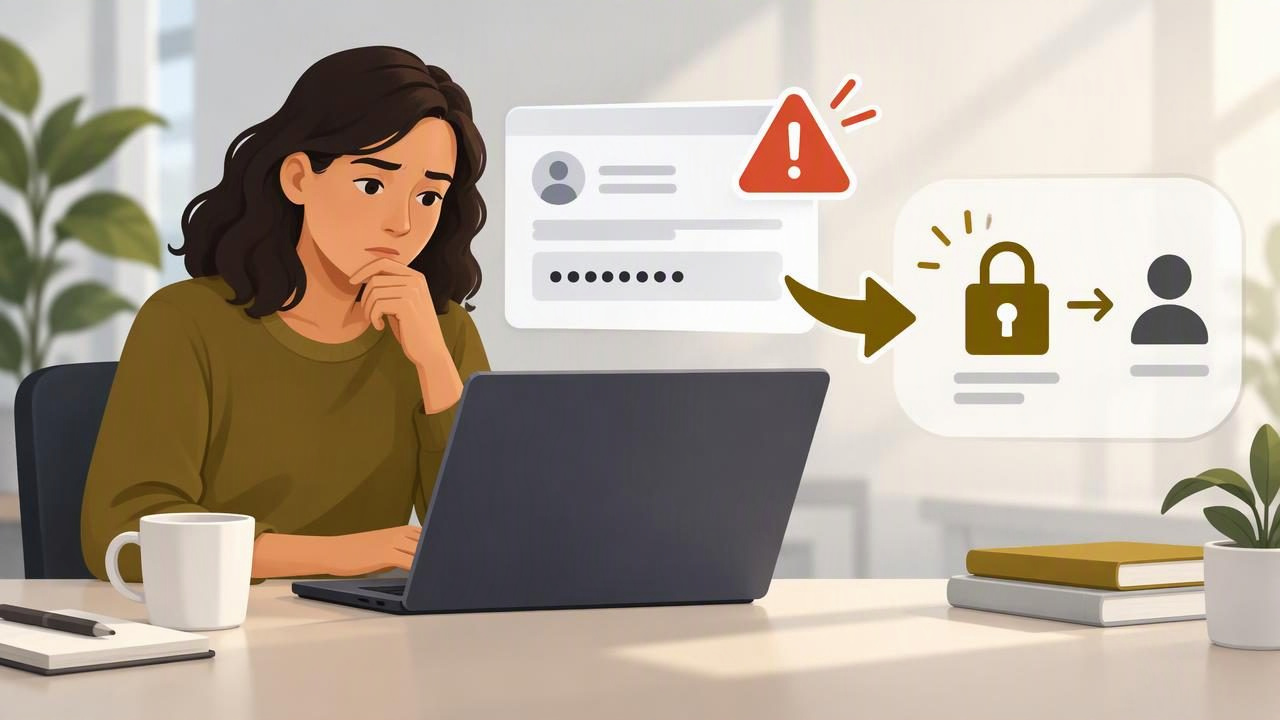
A customer has emailed you a password. Maybe they are trying to speed up troubleshooting, grant access to an account, or help your team reproduce a problem. Whatever the reason, the safest response is calm, clear, and focused on what should happen next—not on repeating or using the credential.
Knowing how to draft a safe response when a customer emails a password helps protect both the customer and your organization. A good reply acknowledges the message without quoting the password, asks the customer to remove or rotate it where possible, and offers an approved alternative for sharing access. The exact steps depend on your organization’s security policy, so follow that policy if it gives more specific instructions.
Why a password sent by email needs careful handling
Email is designed to send messages, not to serve as a secure password-sharing system. A message containing a password may remain in inboxes, sent folders, backups, or support ticket records. It may also be forwarded or visible to people who do not need the credential. You may not know which protections apply to every mailbox or system involved.
That does not mean you should panic or make unsupported claims about whether the password has been exposed. It means you should avoid expanding its audience or creating more copies. Do not paste it into a reply, quote it in a ticket, take a screenshot, or move it into another tool unless your organization’s approved process specifically requires that action.
What to do before you reply
- Do not repeat the password. Avoid copying it into your response, notes, internal chat, or a support record.
- Do not test or use it casually. Only access an account if you are authorized and your organization’s procedures permit that method.
- Check your internal process. Your security, IT, or support team may have a defined way to report and handle credentials received by email.
- Choose a safe next step. Depending on the situation, that may be asking the customer to change the password, use an approved password manager or secret-sharing method, or arrange access through a managed account.
- Keep the reply focused. Acknowledge the message without confirming, describing, or reproducing the credential.
If the password belongs to a company account, a shared production system, or another sensitive service, follow your escalation procedure rather than deciding alone what access is appropriate. If you are unsure whether the message should be deleted, retained, or reported, ask the relevant security contact. Deleting a message without following policy may not remove copies elsewhere, so avoid promising that deletion has fully resolved the issue.
A safe customer email template
Use this as a starting point, then adjust it to match your organization’s policy and the customer’s situation:
Subject: A safer way to share account access
Hi [Name],
Thanks for sending this over. For your security, please don’t send passwords or other login credentials by email. I haven’t included the credential in this reply.
Please change the password if it is still active, especially if it is used for any other account. To continue, we can use [approved access method] or arrange [approved alternative]. Please let me know which option works for you.
Best,
[Your name]
Only say “I haven’t included the credential in this reply” if that is accurate. Do not claim that you deleted the original, that nobody else saw it, or that the account is safe unless you have verified those facts and are authorized to make that statement.
Adapt the message to the situation
If the password is a temporary test credential
A temporary password still deserves careful handling. You could write: “Thanks for helping us test this. Please don’t send credentials by email. Could you create a temporary account with only the access needed for this test, using our approved sharing method? We’ll follow our normal process for removing access when the test is complete.” Avoid promising that access will be removed unless your team can carry out and confirm that step.
If the customer says the password is already expired
Do not assume an expired password creates no risk. Reply without reproducing it and ask the customer to use the approved method for any replacement access. For example: “Thanks for clarifying. Please continue to avoid sending credentials in email. If we need account access, we can arrange it through [approved method].”
If the customer is frustrated by the extra step
Explain the reason briefly and offer a practical alternative. “I understand you’re trying to help us move quickly. We can’t accept passwords by email, but we can continue today using [approved alternative].” This recognizes their intent without turning the reply into a lecture or making the safer process sound optional.
If you already replied with the password
Do not send another message quoting it again to explain the mistake. Follow your organization’s incident or credential-handling process as soon as possible. Notify the appropriate security or IT contact with the minimum information they need, using an approved channel. If the credential is active, an authorized person may need to arrange a password change, revoke a session, or take another account-specific action.
Do not independently forward the original email to colleagues for awareness. Forwarding can create another copy. Ask your security contact how they want the message or relevant details handled. If a customer needs an update, keep it factual: say that you are following the appropriate process and will advise them of any action they need to take. Avoid speculating about who accessed the message or whether an incident occurred.
Drafting the reply with voice dictation
Voice dictation can help you compose a calm response when you want to get the wording down before editing. Dictate only the general reply—not the password, username, recovery code, account number, or any other secret. When a dictation tool sends speech to a cloud transcription provider, sensitive credentials should not be spoken into it. Keep the draft generic and add only appropriate, non-secret details afterward.
A useful spoken outline is: acknowledge the customer, state that passwords should not be sent by email, request a password change if appropriate, and name the approved alternative. Then review the resulting text for unintended promises, accidental confidential details, and a tone that sounds blaming. You can find practical setup instructions in this guide to voice dictation on Windows.
For instance, dictate: “Thanks for sending this. Please don’t share passwords by email. If this password is active, please change it. We can continue using our approved access process.” This is a hypothetical example; replace the last sentence with the method your organization actually supports. Do not dictate the customer’s credential, even if you plan to delete the draft afterward.
Common mistakes to avoid
- Quoting the password to confirm receipt: “I received the password starting with…” still exposes part of the secret.
- Requesting another password by email: Tell the customer which approved method to use instead.
- Sending credentials in an attachment: An attachment is not automatically a secure sharing method.
- Scolding the customer: They may have been trying to help. Set the boundary respectfully and explain the next step.
- Promising a security outcome you cannot verify: Don’t claim the message is gone, the account is protected, or the credential was never accessed without confirmation.
- Adding the secret to a draft or dictation app: Keep passwords and recovery codes out of writing, transcription, and note-taking tools.
A quick review before you send
Before sending your reply, check that it does not contain the password or unnecessary account details. Confirm that your requested next step is permitted by policy and that the alternative is genuinely available. Make sure your language is neutral, direct, and free of blame. If you have doubts about how to handle the original message, pause and contact the appropriate internal team rather than improvising.
The goal is not to make the customer feel they did something wrong. It is to prevent the credential from spreading further and make it easy to continue the work safely. Dictámelo can help draft ordinary, non-sensitive email text by voice; keep credentials out of dictation, and review any draft before sending. See the Dictámelo download options if you want to try voice dictation for safe message drafts.