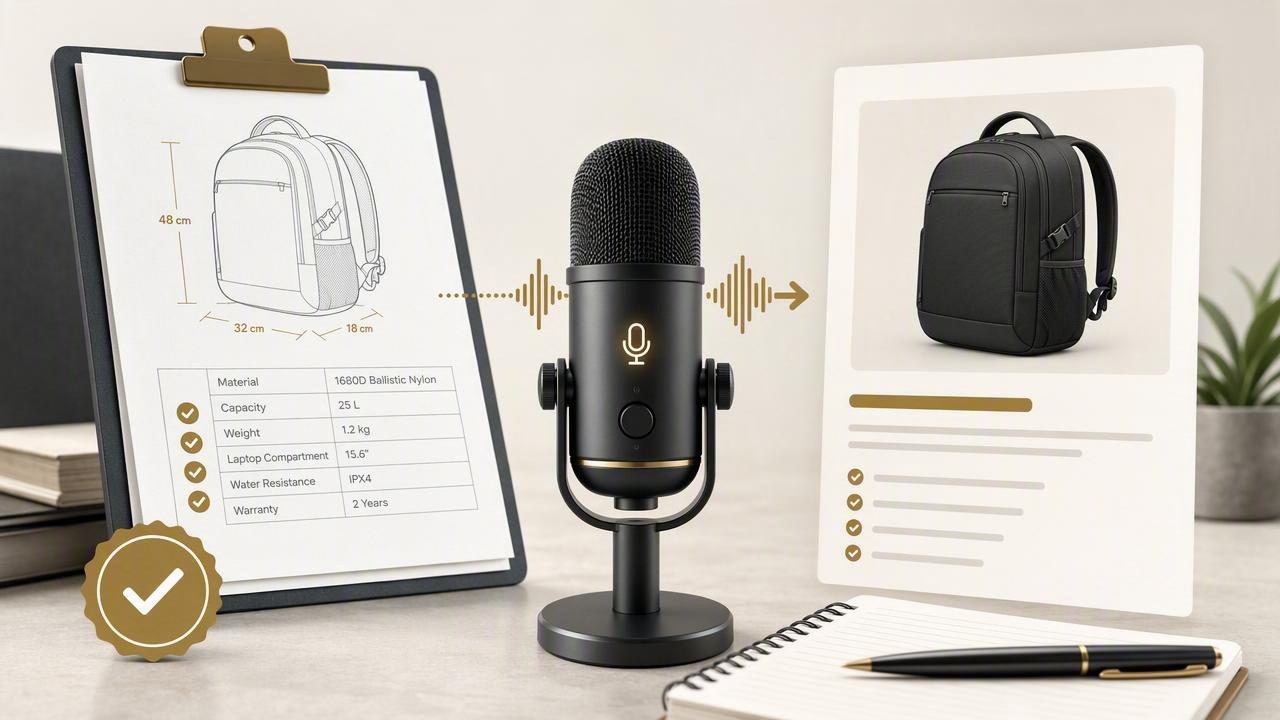
Writing product copy quickly is useful. Writing it accurately is essential. A product description can influence buying decisions, support expectations, return rates, and trust in your brand. That is why the safest way to use voice dictation for ecommerce content is to dictate a product description from verified specifications, rather than speaking from memory or trying to improvise features as you go.
Voice dictation is especially helpful when you already have reliable source material: a manufacturer data sheet, internal product-information system, packaging copy, engineering notes, or approved compliance documentation. You can speak the details in a natural order, turn them into a readable draft, and then perform a deliberate fact-check before publishing.
This article explains a practical workflow for creating accurate product descriptions by voice. It also covers how to handle measurements, compatibility, claims, and missing information without accidentally turning a rough spoken draft into misleading product copy.
Start with a verified specification sheet, not a blank page
A product description should be based on sources that your business has approved. Before opening your ecommerce platform, collect the information you can verify. The source does not need to be a formal PDF; it may be a structured product record. What matters is that every important claim can be traced back to a dependable source.
Create a short reference sheet with the fields you expect to mention. For example:
- Official product name and model number
- Primary material, finish, color, or variant
- Dimensions, weight, capacity, and included items
- Compatibility requirements
- Care instructions, warranty terms, and safety information
- Approved performance claims and certifications, where applicable
- Details that are unknown, pending, or not approved for publication
This preparation matters because speech is fast. If you begin dictating before confirming the source details, it is easy to fill a pause with assumptions such as “works with most devices,” “perfect for outdoor use,” or “professional-grade.” Those phrases may sound harmless, but they can create promises that the specification sheet does not support.
Useful rule: Dictate what is documented. Describe benefits only when they logically follow from documented features.
Separate facts, customer benefits, and editorial language
The strongest product descriptions combine technical facts with plain-language context. However, these are not the same kind of information. Separating them before you dictate helps prevent unsupported marketing claims.
| Content type | Example | How to handle it |
|---|---|---|
| Verified fact | “Capacity: 750 ml” | State it exactly as listed. |
| Reasonable benefit | “A 750 ml capacity can reduce refill trips during a commute.” | Frame it as practical context, not a guaranteed outcome. |
| Unverified claim | “Keeps drinks cold all day.” | Do not include it unless an approved source supports it. |
| Subjective editorial phrase | “A sleek everyday companion.” | Use sparingly and make sure it does not imply performance. |
For example, a verified specification may say that a laptop sleeve fits devices up to 14 inches and uses a zip closure. A careful benefit statement could be: “Designed to hold laptops up to 14 inches, with a zip closure to keep the sleeve closed during transport.” It does not claim impact protection, water resistance, or universal compatibility unless those details are documented.
Use a repeatable dictation outline
Speaking in a predictable structure reduces omissions and makes editing faster. Instead of dictating one long paragraph, speak in sections. This approach is helpful whether you are creating a marketplace listing, catalog entry, product page, or wholesale line sheet.
- Name the product and its primary purpose.
- State the most important verified specifications.
- Explain the practical use case.
- List compatibility, included accessories, or limitations.
- Add care, safety, or setup details if relevant.
- Finish with a concise review checklist.
Here is a hypothetical spoken draft for a stainless-steel travel mug. The details are examples only:
Product: Northline travel mug, 450 milliliters.
Material: double-wall stainless steel body with a silicone grip.
The lid uses a sliding closure.
Dimensions: 20 centimeters high and 7.2 centimeters wide.
Use: suitable for carrying hot or cold drinks during daily travel.
Included: mug and lid only.
Review: confirm that the lid is leak-resistant before making that claim.
Notice the final line. Saying “review” or “verify” out loud is a useful habit. It creates an editorial flag in the draft and prevents a possible assumption from quietly becoming published copy.
Dictate measurements and model details with extra care
Numbers are among the most valuable and most error-prone parts of a product description. A missing decimal point, the wrong unit, or a transposed model number can make a listing inaccurate even when the rest of the copy is excellent.
When you dictate dimensions or identifiers, slow down and use a consistent pattern. For example, say “width: twelve point five centimeters” rather than “twelve-five.” For item numbers, speak each group clearly: “model A R dash two zero four dash B.” Then compare the final text directly with the verified source.
A practical method for numeric data
- Dictate one measurement per sentence.
- Say the unit every time: millimeters, inches, grams, watts, and so on.
- Read serial formats, SKUs, and model names in groups.
- Keep a single unit system unless your store requires both.
- Check conversions separately; do not assume a rounded conversion is exact.
For instance, if the manufacturer document says “1.25 kg,” do not rewrite it as “about 1 kg” for convenience. If you need a consumer-friendly equivalent, retain the verified value and label an approximation carefully, such as “1.25 kg (approximately 2.8 lb).”
Turn features into useful copy without overstating them
Customers need more than a list of specifications. They want to understand what those specifications mean in use. The key is to connect a feature to a likely use case without claiming a result you cannot prove.
Consider these examples:
- Overstated: “The ergonomic handle eliminates wrist fatigue.”
- More accurate: “The contoured handle is designed for a more secure grip.”
- Overstated: “The 20,000 mAh battery keeps every device running for days.”
- More accurate: “The 20,000 mAh battery provides high-capacity portable power; charging results vary by device and use.”
- Overstated: “Waterproof construction protects your gear in any weather.”
- More accurate: “The product has an IPX4 rating, as specified by the manufacturer.”
The accurate version may feel less dramatic, but it gives shoppers information they can use. It also makes your catalog more consistent across product categories.
Add a verification pass before publishing
Dictation produces a draft, not final approval. Build a short verification pass into the workflow every time, especially for products with technical, regulated, or safety-related details.
Product description review checklist
- Does the title match the official product name and variant?
- Do dimensions, weight, capacity, and units match the source?
- Are compatibility statements specific enough?
- Have you distinguished included items from optional accessories?
- Does every performance, sustainability, safety, or certification claim have a source?
- Have you removed vague superlatives that imply unverified performance?
- Do the bullets and long description agree with each other?
One useful troubleshooting detail is to keep your source sheet visible beside the active text field while dictating. If voice text appears in the wrong application, click into the product-description field first, then dictate a short test phrase such as “draft section one.” Delete the test phrase and continue only after confirming text is landing in the intended field. This simple check can prevent product details from being pasted into a search box, chat window, or another listing.
Handle missing information honestly
Some product records are incomplete. You may have a product photo and dimensions but no official confirmation of a material, battery life, country of origin, or compatibility list. In those cases, do not use dictation to guess a polished answer.
Instead, dictate an internal placeholder that clearly signals the gap:
[VERIFY: confirm cable length]
[DO NOT CLAIM: dishwasher safe]
[ADD COMPATIBILITY LIST after manufacturer confirmation]
These notes should be removed before publication, but they make the drafting process safer. They also provide a clear handoff when a catalog manager, supplier contact, or compliance reviewer needs to supply the missing fact.
Use voice dictation for faster first drafts, not less accountability
Voice dictation can make it easier to create product copy when you have many SKUs, repeated product families, or detailed specifications to communicate. It is particularly effective when you dictate a structured draft, review the transcription, and compare it against approved source material.
If you also use AI tools to refine wording, provide them only with verified details and ask for a format, not invented benefits. For guidance on speaking clear instructions for AI-assisted writing, see this guide to dictating AI prompts.
The goal is not to make every description sound identical. It is to create copy that is readable, specific, and dependable. A shopper should be able to understand what the item is, what is included, how it is intended to be used, and what limits apply.
For a simple hold-to-dictate workflow on desktop, you can download Dictámelo and draft directly in the product-management field you are already using.